MCP in Practice: How the Assistant Gains Hands
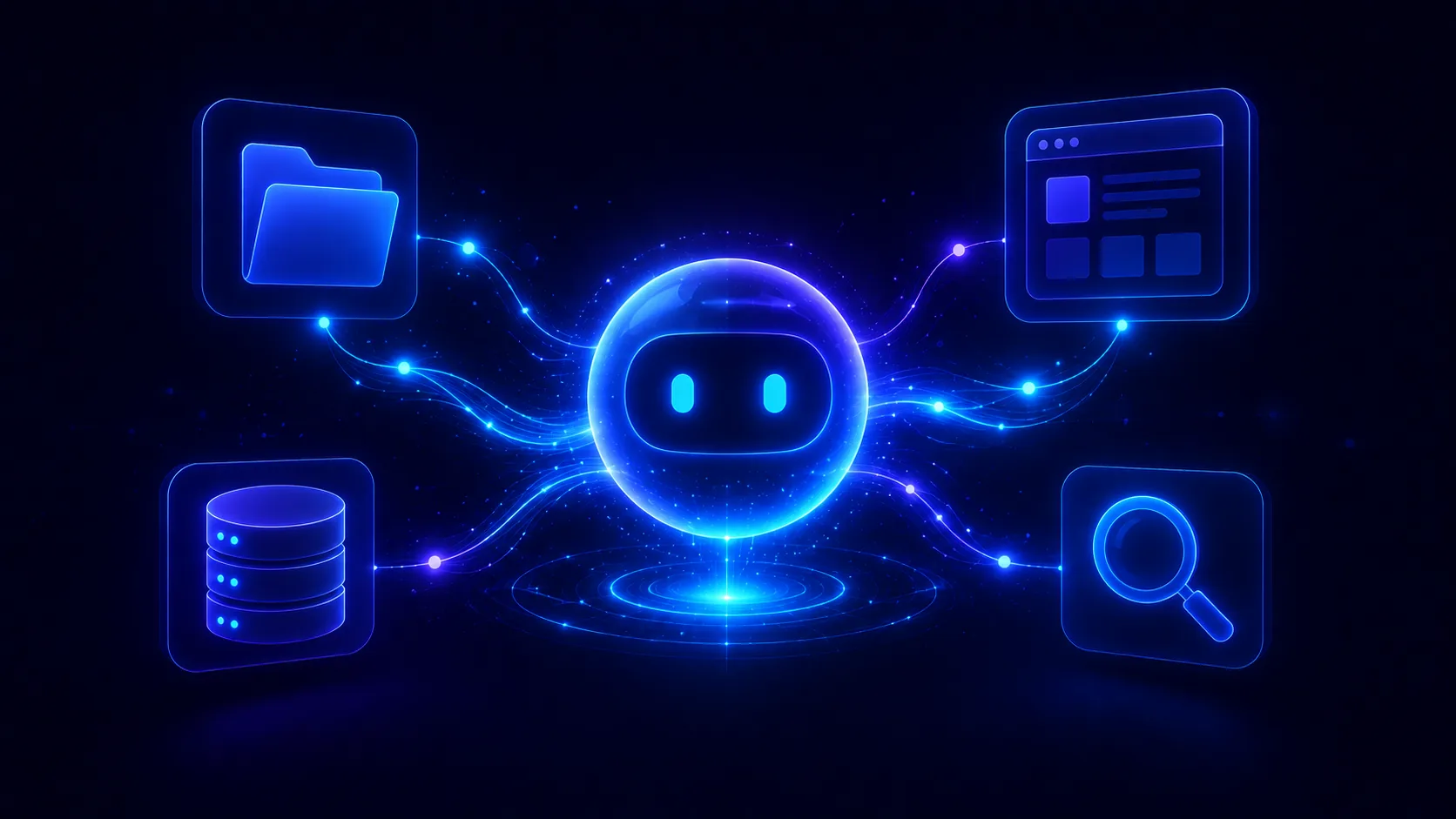
Previously, chatbots could only write. With MCP, they can read files, run commands, browse the web, and search the internet. We will examine how this protocol works and why it has become the standard for tools.
The Problem MCP Solves
Before MCP, each tool connected to the assistant in its own way: one had its own API, another had its own format, and a third only had webhooks. Developers had to write separate integrations for each tool-assistant combination.
MCP (Model Context Protocol) introduces a common standard. It’s like USB for AI tools: support the protocol once, and any compatible tool connects to any compatible assistant.
How It Works
At the core, there are three roles:
flowchart LR
    A[Assistant] -->|MCP-client| B[MCP-server]
    B --> C[Tool 1]
    B --> D[Tool 2]
B --> E[Tool 3]- MCP-server — a program that wraps a tool and describes its capabilities in a standard language;
- MCP-client — part of the assistant that can call servers;
- Tools — the functions themselves: file system, browser, database, web search.
The server informs the client what it can do: