LLM Orchestrator: How LLM Writes Code and Calls APIs
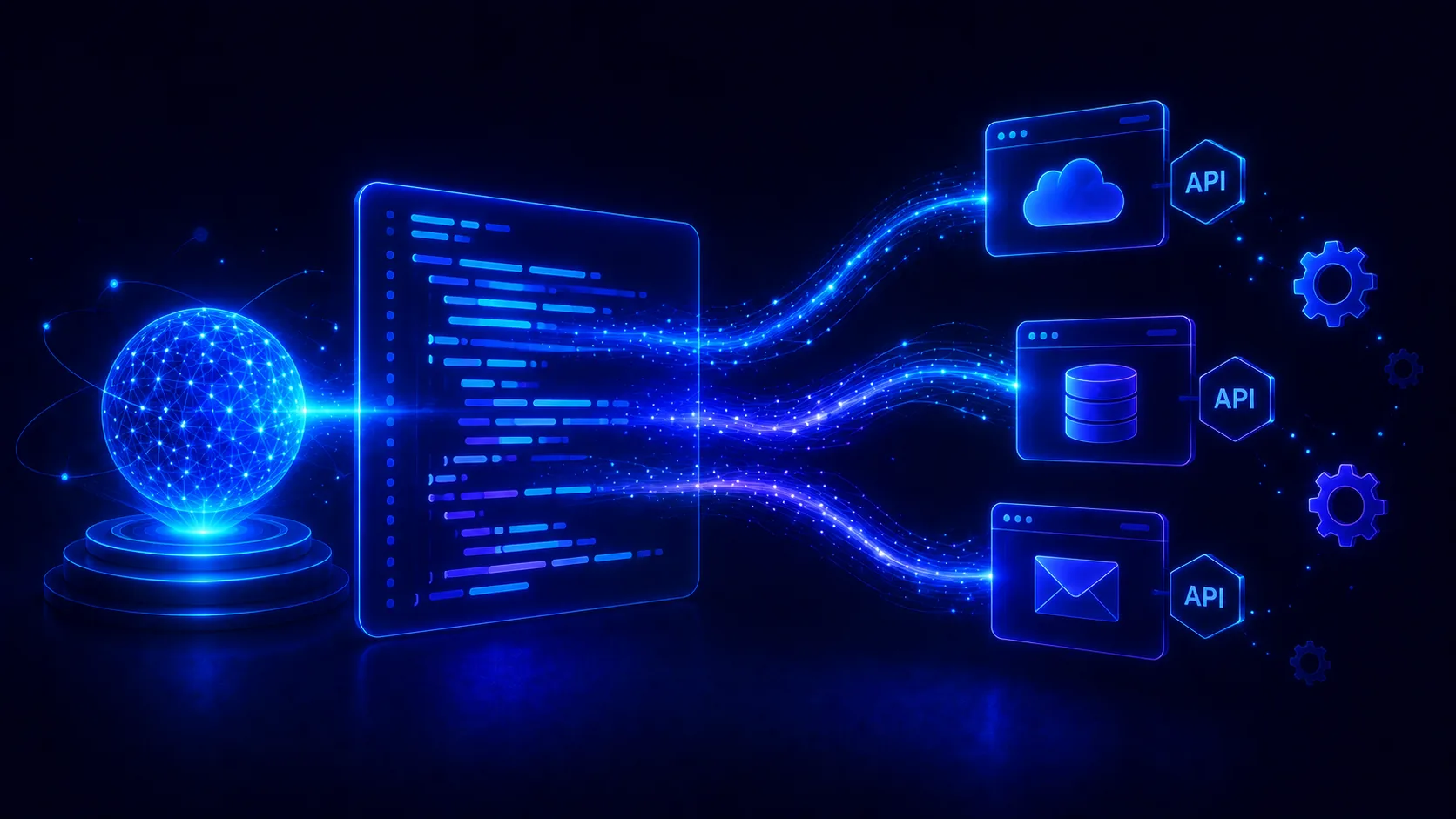 LLM is not just a chat. It can be set in the role of an architect: the model writes code that calls external APIs, and a person runs this code and controls each step.
Idea: Brain and Hands Separated
The model does not magically "pull API". It generates a script, you run it. The model is the brain that decides what to do; scripts are the hands that do it.
flowchart LR
    M["LLM\nresolves and writes code"] -->|"generates script"| C["Python script"]
    C -->|"HTTP request"| A["External API"]
    A -->|"response"| C
C -->|"result"| MWhy It Works
LLM reads documentation well and writes neat wrappers around APIs. However, pressing buttons and reliably avoiding mistakes in routine tasks is not its strong suit. Therefore, execution is delegated to code and a person.
Basic Template
import os
import requests

def call_api(endpoint: str, payload: dict) -> dict:
    resp = requests.post(
        os.environ["API_URL"] + endpoint,
        headers={"Authorization": f"Bearer {os.environ["API_KEY"]}"},
        json=payload,
        timeout=60,
    )
    resp.raise_for_status()
    return resp.json()
Model Calls Model Pattern
A special case is when the orchestrator calls another instance of LLM via API. For example, the architect model writes a translation script that calls the same model's API:
def call_deepseek(system_prompt: str, user_text: str) -> str:
    resp = requests.post(
        os.environ["DEEPSEEK_API_URL"],
        headers={"Authorization": f"Bearer {os.environ["DEEPSEEK_API_KEY"]}"},
        json={
            "model": os.environ["DEEPSEEK_MODEL"],
            "messages": [
                {"role": "system", "content": system_prompt},
                {"role": "user", "content": user_text},
            ],
            "temperature": 0.2,
        },
        timeout=120,
    )
    resp.raise_for_status()
    return resp.json()["choices"][0]["message"]["content"]
Checkpoints
Where the model must stop and wait for a person: 1. after data review — show what was found; 2. after a plan — show what will be done (dry-run); 3. before writing — get explicit confirmation; 4. after each step — report with the result.
flowchart TD
    A["Read-only: review"] --> B["Dry-run: plan without writing"]
    B --> C{"Person: OK?"}
    C -->|"no"| B
    C -->|"yes"| D["Write: step 1"]
    D --> E["Report"]
What Cannot Be Handled Without Control
- mass UPDATE to the database;
- data deletion;
- production publication;
- actions with paid resources. First one record — check, then the rest.